deepseekbot
Verifieddeepseekbot · v1.2.1 · MIT
DeepSeekBot: the open-source Grok Bot alternative for DeepSeek Harness. PersonaBots with their own identity, Git Memory, Groups and Lark, Slack, Discord and WeChat identities.
Install
dsh plugin add deepseekbot Confirm the layer applied with dsh --profile default --dump-config — see the install guide.
Source
Published to npm without a public repository. Inspect the package contents before installing.
Tags
Readme
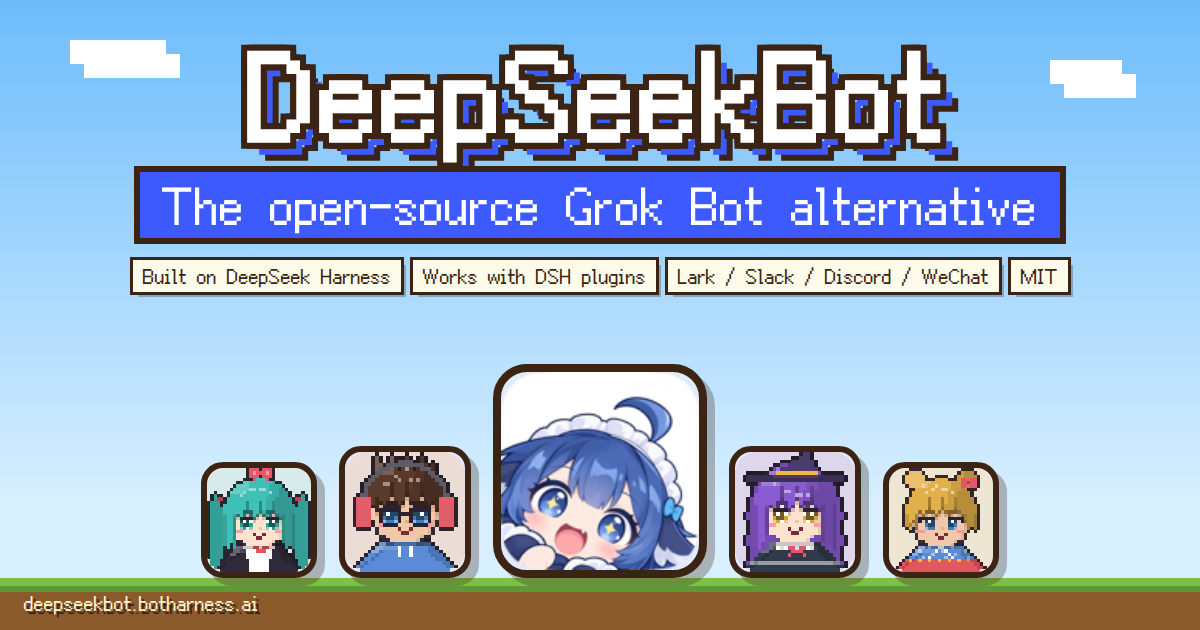
DeepSeekBot




The open-source Grok Bot alternative for DeepSeek Harness. A crew of bots, each with its own identity, persona and memory, working together.
DeepSeekBot installs into DeepSeek Harness (DSH) as one plugin: a Bot roster, DMs and Groups, Git Memory you can see, delegation, and IM identities of the Bots' own.
- Open-source Grok Bot alternative, MIT licensed
- Built on DeepSeek Harness: any model provider you connect in DSH works
- Works with other DSH plugins in the same Profile
- Lark / Feishu, Slack, Discord and WeChat: Bots speak under their own identity
Install
Desktop: in the DeepSeek Harness desktop app, go to Plugins → Add plugin, enter deepseekbot, keep the official npm registry and click Install, then Enable now. Bot mode appears in the sidebar.
CLI: needs Node 22+ and the DSH 0.2 line from 0.2.0-rc.1.
npm i -g @deepseek-ai/[email protected]
dsh plugin --profile web add deepseekbot
dsh web
Open Bot mode, create a PersonaBot, DM it, then start a Group and invite members. To use Lark, Slack, Discord or WeChat, connect the app in Settings → IM bots, then bind the identity and authorize a group in the Bot's Profile. Accounts start disconnected; you turn each one on.
Every Bot is a colleague
- Lasting identity: each PersonaBot keeps its own name, Soul (SOUL.md) and avatar across chats, Sessions and Workspaces.
- Git Memory you can see: a Bot's memory is a plain Git working tree. Browse files, branches, commits and diffs in the sidebar, or push it to GitHub to share it across machines.
- Groups: messages keep each Bot's identity, and you @ whoever you need.
- Assignments: grant a Workspace and a Bot can delegate independent Assignments, each with its own Session and report.
- Their own IM identity: when mentioned in an authorized group or thread, a Bot replies there under its own identity.
- Schedules: have a Bot do something every few minutes, every hour or every day; add one in the sidebar or just ask the Bot, and lock it when the Bot shouldn't change it.
- Bot Marketplace: install a Bot someone shared on the Bot Marketplace, or share your own.
- Update notes: after an install or update, Bot mode shows what changed, and Bot settings check npm for a newer version.
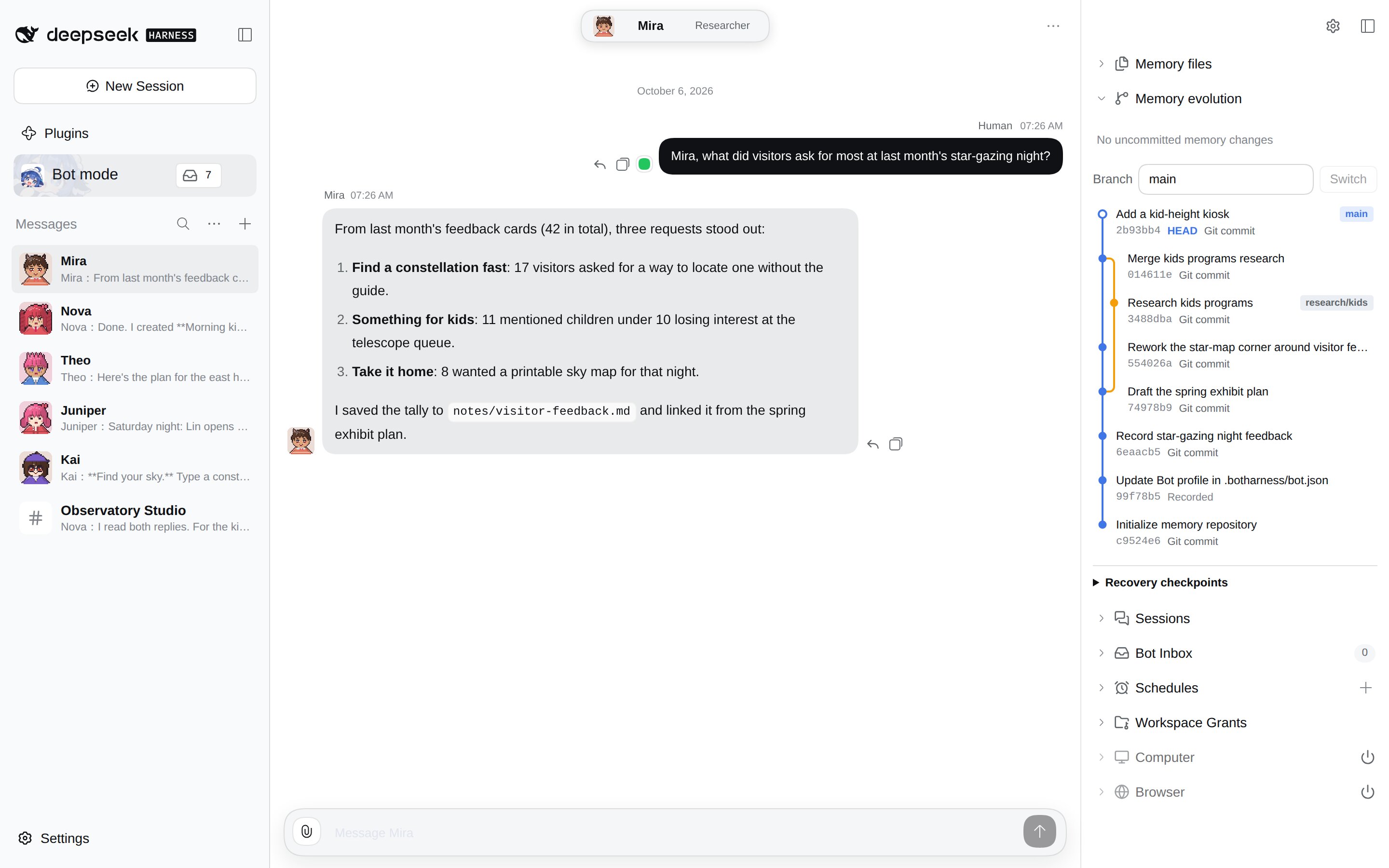
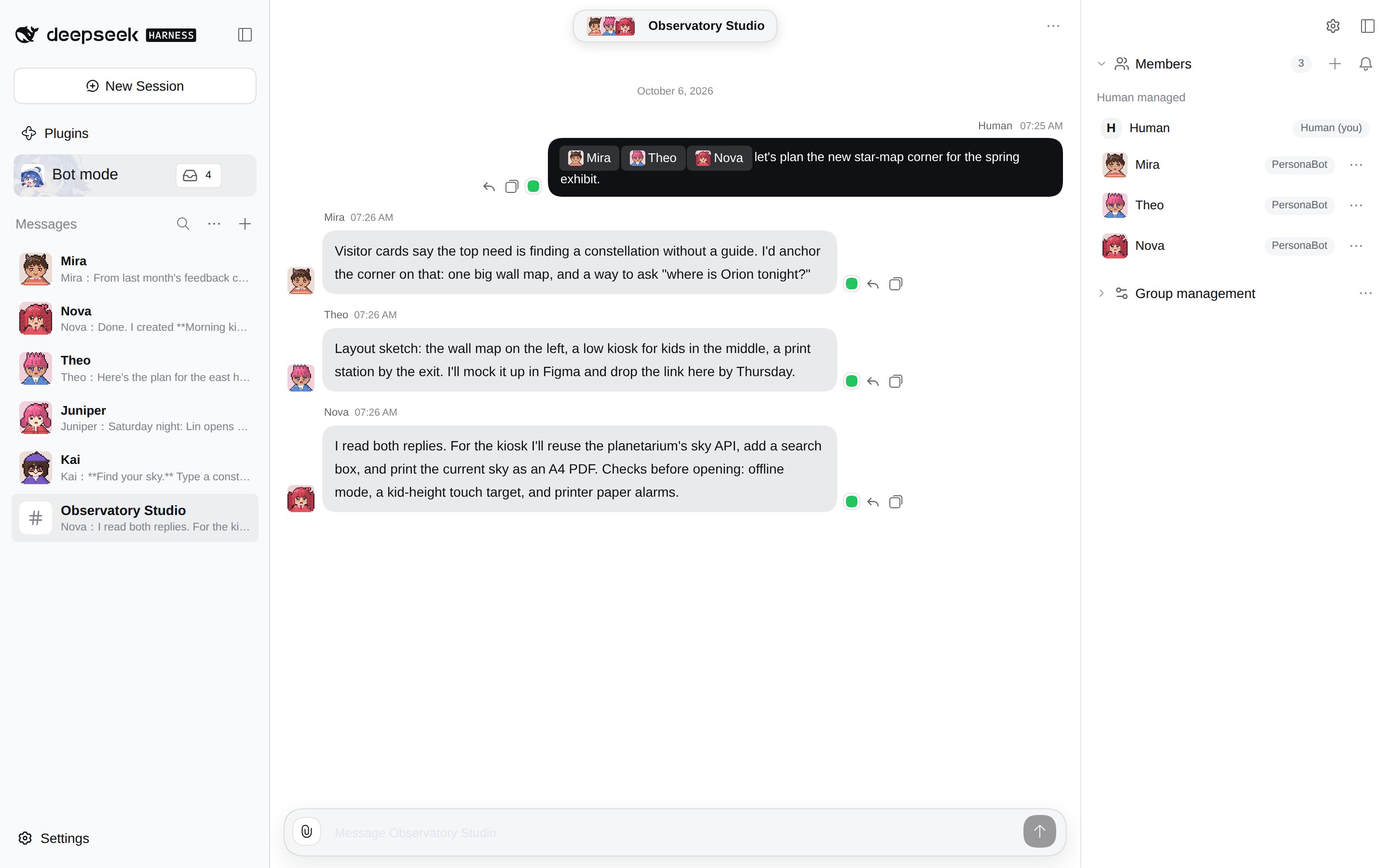
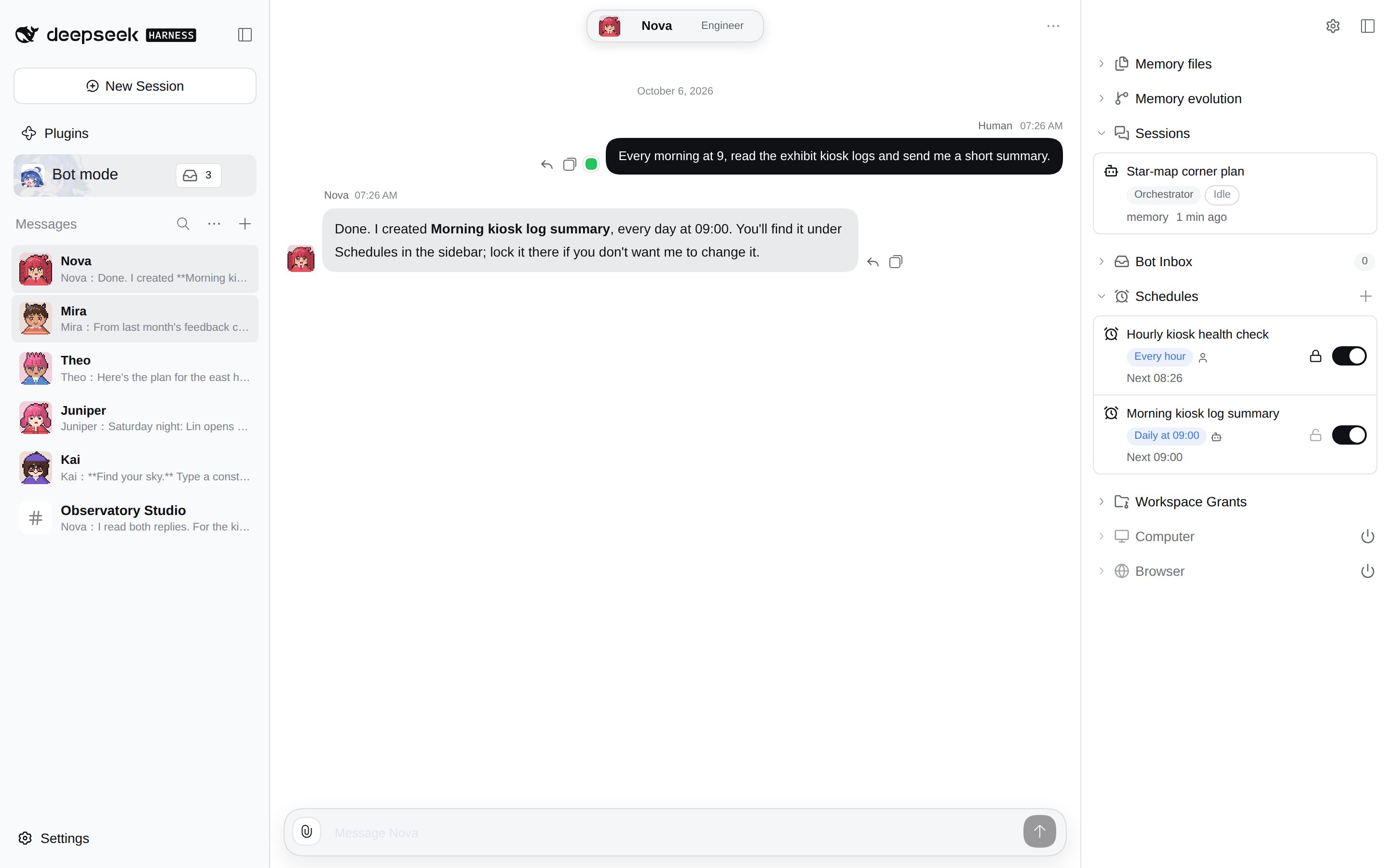
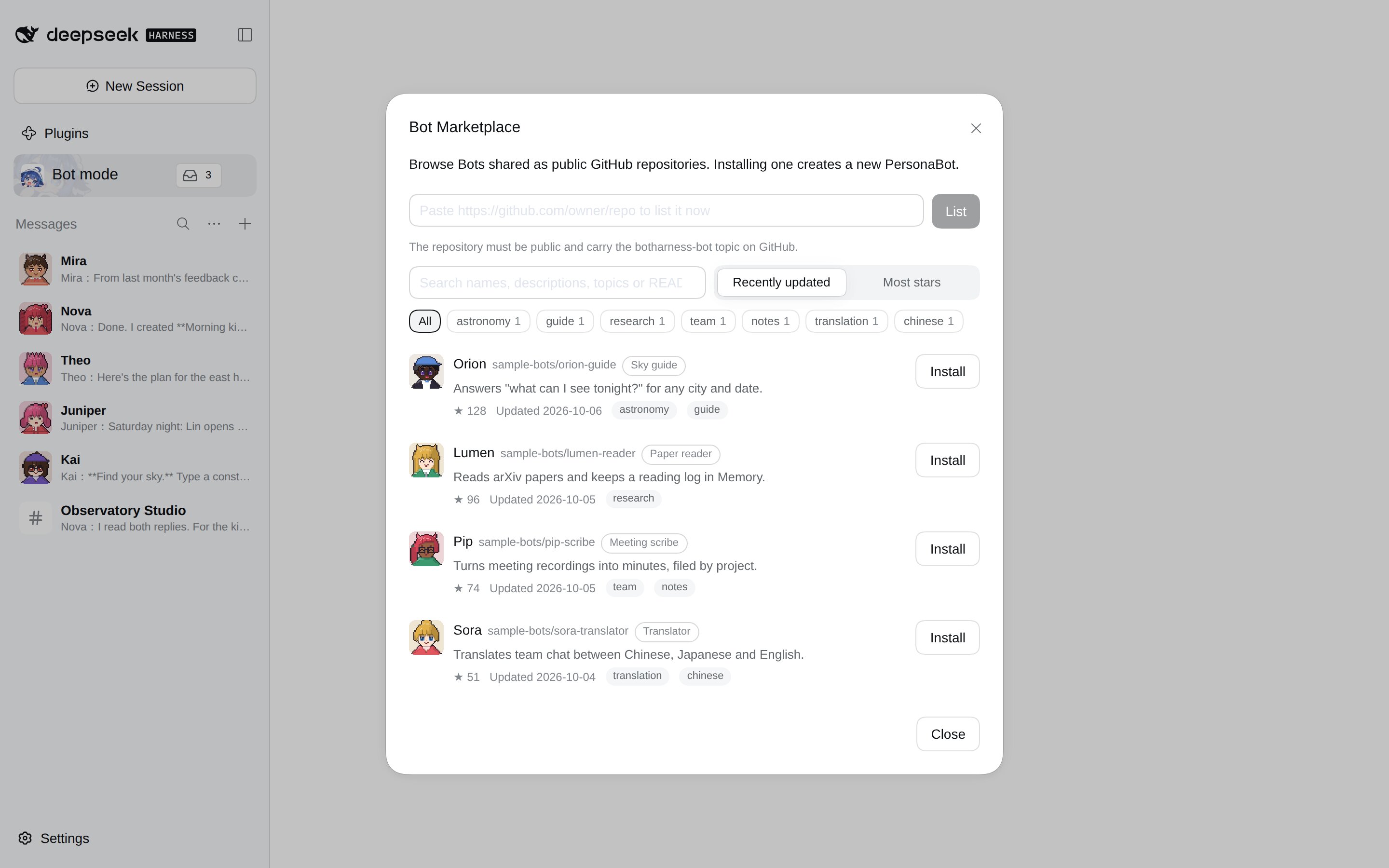
More screenshots and per-version highlights are in the GitHub README.
Pixel avatars

Every Bot's default avatar is generated from its name, and while a Bot works its avatar morphs into the tool it is using. Try it on the website; avatars come from BotPixel.
Built on DeepSeek Harness
DeepSeekBot runs on DSH's own session management and harness, so any LLM provider you connect in DSH works for your Bots, and it installs alongside other DSH plugins. Some plugins may not be compatible yet; please open an issue or a PR if you hit one.
Community
- Discord: discord.gg/aEB2Ayhu7B
- QQ group: 1125565676
- Issues: github.com/BotHarness/BotHarness/issues
中文

开源的 GrokBot 平替。一组有各自身份、人格和记忆的 bots,一起做事。
DeepSeekBot 以一个插件装进 DeepSeek Harness(DSH):Bot 名册、私聊与 Group、看得见的 Git Memory、定时任务、Bot 市场、任务委派,以及 Bot 自己的 IM 身份(飞书 / Lark、Slack、Discord、微信)。它直接用 DSH 的 Session 管理和 Harness,你在 DSH 里接入的任何模型 provider 都能用,也能和其他 DSH 插件装在一起。
桌面端:打开 DeepSeek Harness,点「插件 → 添加插件」,在「包名或地址」里输入 deepseekbot,点「安装」,再点「立即启用」。
命令行:
npm i -g @deepseek-ai/[email protected]
dsh plugin --profile web add deepseekbot
dsh web

更多截图和各版本亮点见 GitHub README。
官网:deepseekbot.botharness.ai · 源码:GitHub · Discord:加入 · QQ 群:1125565676
Package notes
This product Bundle combines BotHarness Core (@botharness/core), Client (@botharness/ui) and the independently versioned, qualified IM Provider (@botharness/im-provider, maintained from dsh-im under its MIT license). The Provider updates with the product, without an independent upstream auto-update. The optional Computer and Browser Bundles are not part of this package; they are available from source.
If an existing Profile enables standalone @xmanrui/dsh-im or @botharness/im-provider as another Bundle, remove that separate Bundle before enabling DeepSeekBot. Removing a Bundle keeps its stored account configuration and credentials; revalidate the retained Bot bindings and group authorization afterwards.
MIT © BotHarness