dsh-plugin-coaligne
Verifieddsh-plugin-coaligne · v0.1.2 · BSD-3-Clause
CoAligne workflow skill installer for DeepSeek Harness; requires CoAligne Desktop (signed in) to provide the MCP connection the skill depends on
Install
dsh plugin add dsh-plugin-coaligne Confirm the layer applied with dsh --profile default --dump-config — see the install guide.
Source
Tags
Creators
Readme
dsh-plugin-coaligne
把团队在 https://www.coaligne.com 上共享的项目上下文接入 DeepSeek Harness。
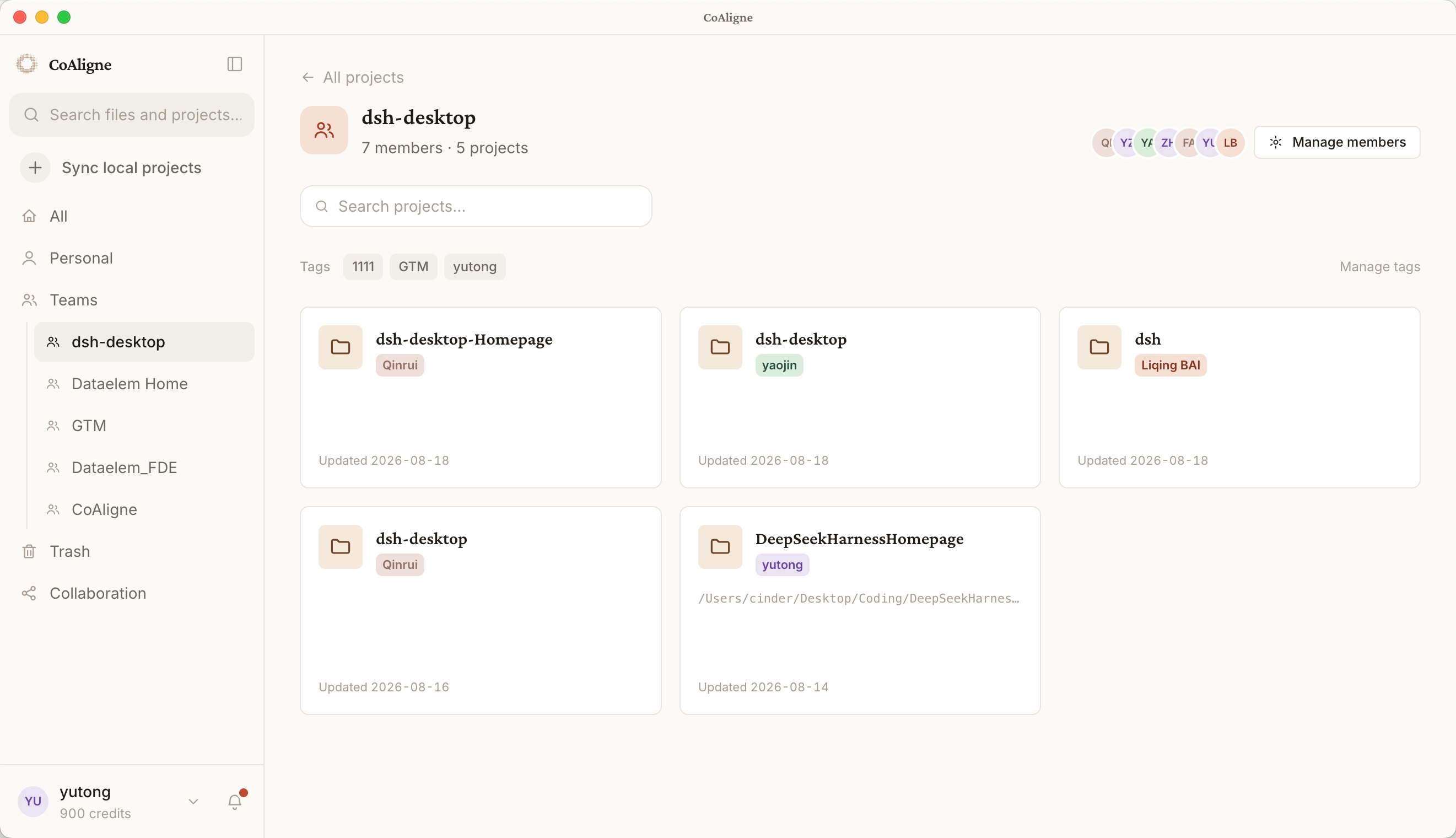
CoAligne 是一个"人和 Agent 共享项目上下文"的协作平台:CoAligne Desktop 将本地项目文件和 Agent 会话同步到云端项目,并把本地 Agent(包括 DSH)接入这些云端上下文。
插件提供什么
coaligne-workflowskill,插件激活时自动安装到 agents home($DSH_AGENTS_HOME下的skills/,默认为用户主目录的.agents):教会 Agent 何时、如何使用 CoAligne 工具——协作查询、长内容检索策略、评论回复、分享流程、单项目 AI 使用报告。- CoAligne MCP 工具,在连接 CoAligne Desktop 后可用(见下方"安装与接入";工具以
mcp__coaligne__<tool>出现):list_projects、me、get_project_activity— 项目发现与最近动态search— 在同步的文件与 Agent 会话日志上执行沙箱只读 shell(grep、cat、find等)download_file、list_file_comments、reply_file_comment— 文件下载与评论讨论create_file_link、resolve_file_link、resolve_session_link— 私有app.coaligne.com/f/{code}、app.coaligne.com/s/{code}定位链接list_project_reviewers、create_review_request— 把文件或 Agent 会话发送给队友
安装与接入
安装本插件(或在 dsh-market 一键安装):
npm install dsh-plugin-coaligne注册账号:https://www.coaligne.com。
安装 CoAligne Desktop(macOS 和 Windows,下载见 https://www.coaligne.com),登录并导入本地项目。Desktop 会为你完成两件事:
- 同步:把你的项目文件和 Agent 会话持续同步到团队共享的云端项目;
- 接入:自动为 DSH 配置 CoAligne MCP 连接(一行
@deepseek-ai/dsh-mcp-client,serverName 为coaligne,凭证自动带上)。全程无需手工处理 token。
完成后重启 DSH 会话,mcp__coaligne__* 工具即可使用,skill 会引导 Agent 在合适的时机调用它们。
不安装 CoAligne Desktop 则本插件不可用:插件本身只安装 workflow skill,skill 依赖的全部工具都来自 Desktop 配置的 MCP 连接。未检测到 Desktop 接入时,插件会在激活时输出明确警告。
bundle patch 组合了什么
bundle patch(cordis.patch.yml)向 profile 组合两行配置:
| 行 | 包 | 作用 |
|---|---|---|
coaligne-skill |
dsh-plugin-coaligne |
把内置 coaligne-workflow skill 安装到 $DSH_AGENTS_HOME(默认为用户主目录的 .agents) |
coaligne-skill-invariant |
dsh-plugin-coaligne/invariant |
包级 invariant 伴生插件 |
MCP 连接有意不在这里声明——它由 CoAligne Desktop 负责写入和维护,本包不接触、不存储任何凭证。
配置项
coaligne-skill 行支持:
| 选项 | 默认值 | 说明 |
|---|---|---|
installSkill |
true |
激活时安装/刷新内置 skill |
agentsHome |
'' |
覆盖 agents home;为空时依次取 $DSH_AGENTS_HOME、用户主目录的 .agents |
工作原理
- skill 安装是插件激活时的幂等拷贝;若你自行管理 skills,设
installSkill: false关闭。 - MCP 连接由 CoAligne Desktop 全权管理:它用你的账号登录、为 DSH 写入连接并保持有效。本插件不含任何凭证,也不发起网络请求。
开发
pnpm install
pnpm typecheck
pnpm test
pnpm build
许可证
BSD-3-Clause。基于 https://github.com/omdsh-dev/plugin-template 脚手架。