dsh-theme-tuner
Verifieddsh-theme-tuner · v0.1.4 · MIT · Web UI
DSH web plugin: theme customization placed under the built-in Appearance (外观) settings. It reuses the Appearance light/dark switch and lets you adjust accent / background / foreground / contrast for the active theme, applied live through DSH theme token o
Install
dsh plugin add dsh-theme-tuner Confirm the layer applied with dsh --profile default --dump-config — see the install guide.
Source
Tags
Creators
Readme
dsh-theme-tuner
在 DeepSeek Harness (DSH) 的「通用设置 → 外观」下方直接调整界面主题——强调色 / 背景 / 前景 / 对比度 / 渐变度,实时生效。
复用「外观」自带的 浅色 / 深色 / 跟随系统 切换,无需重复的切换按钮。
效果
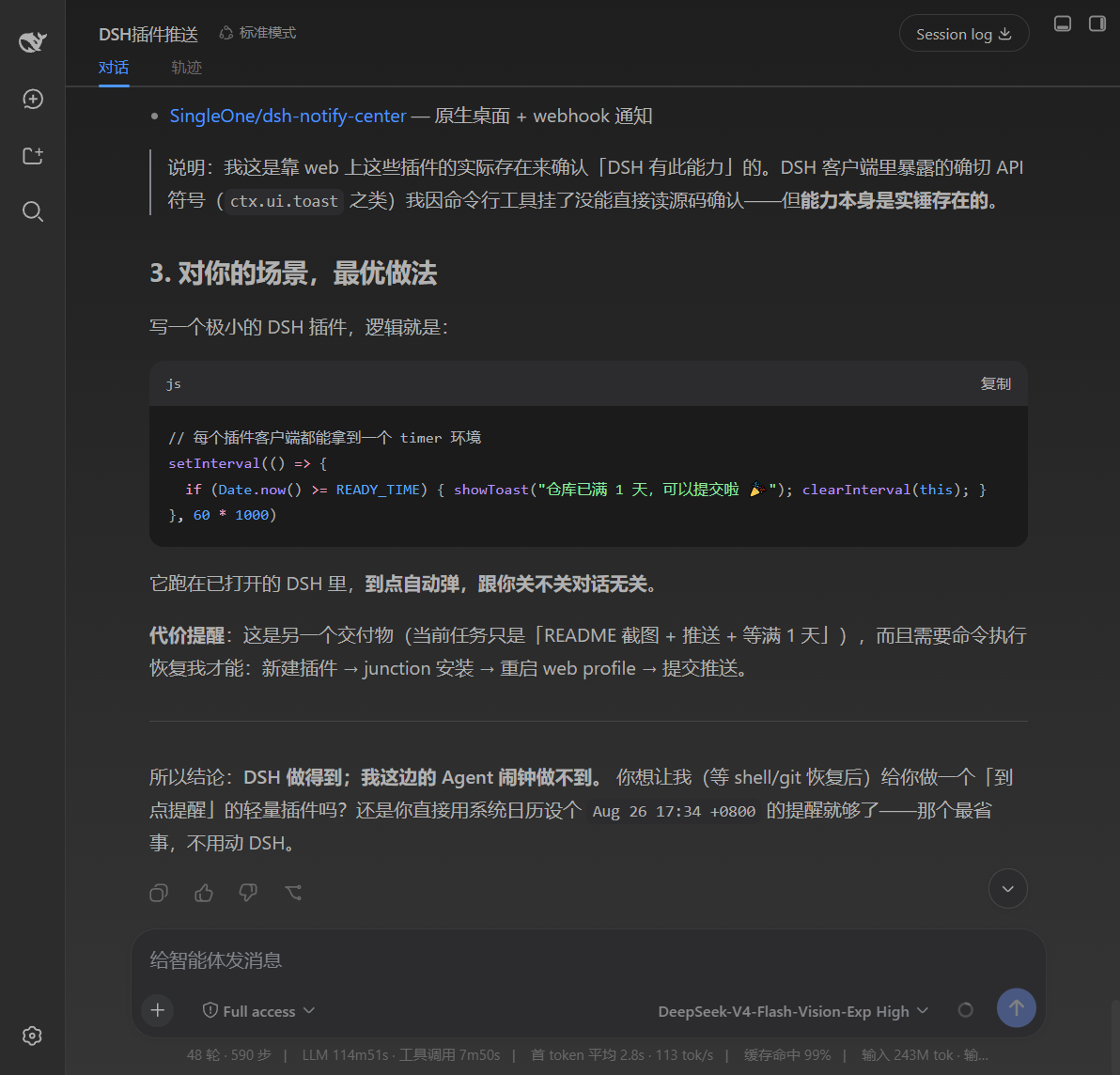 深色 · 主题效果 |
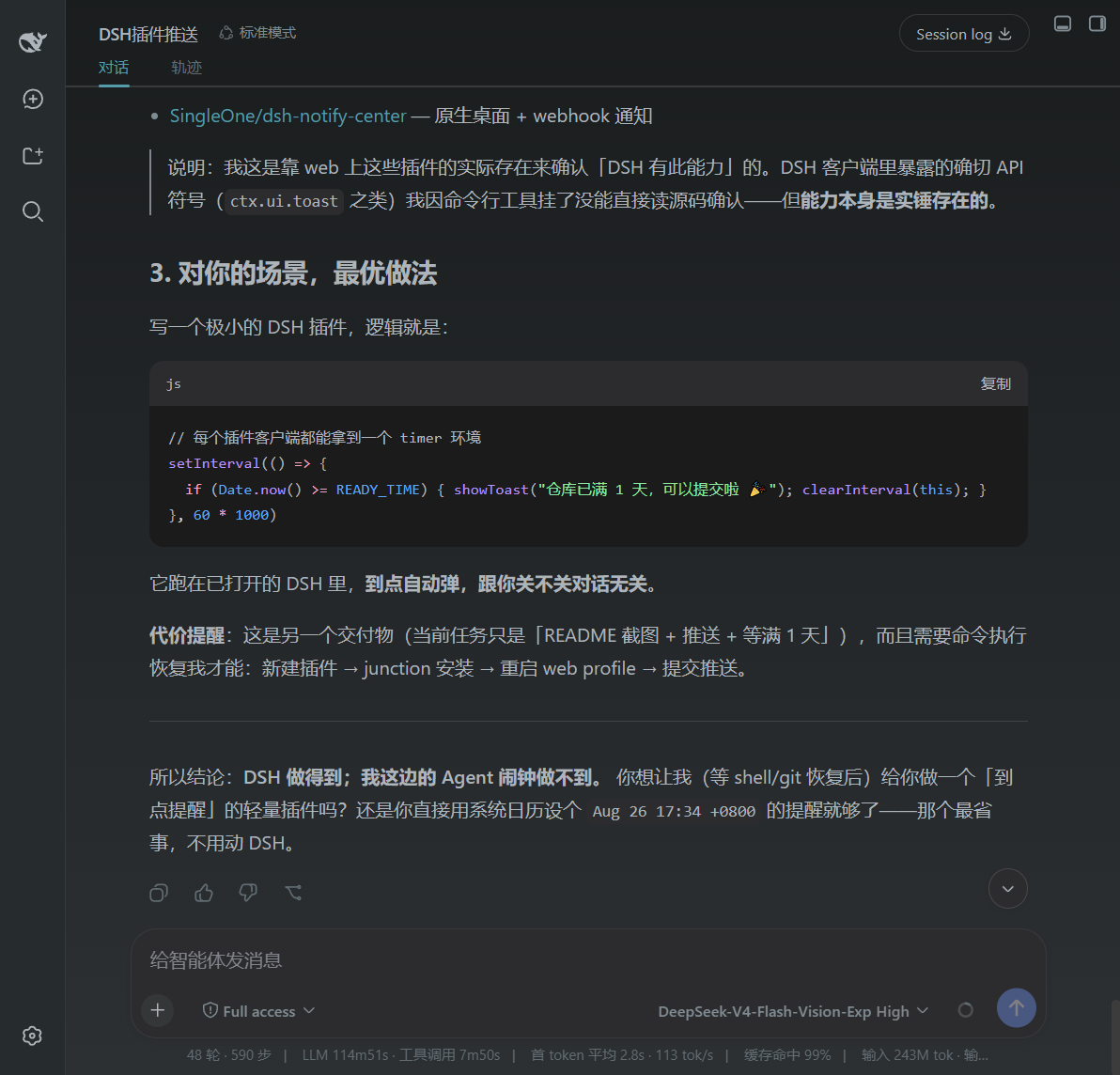 深色 · 主题效果 |
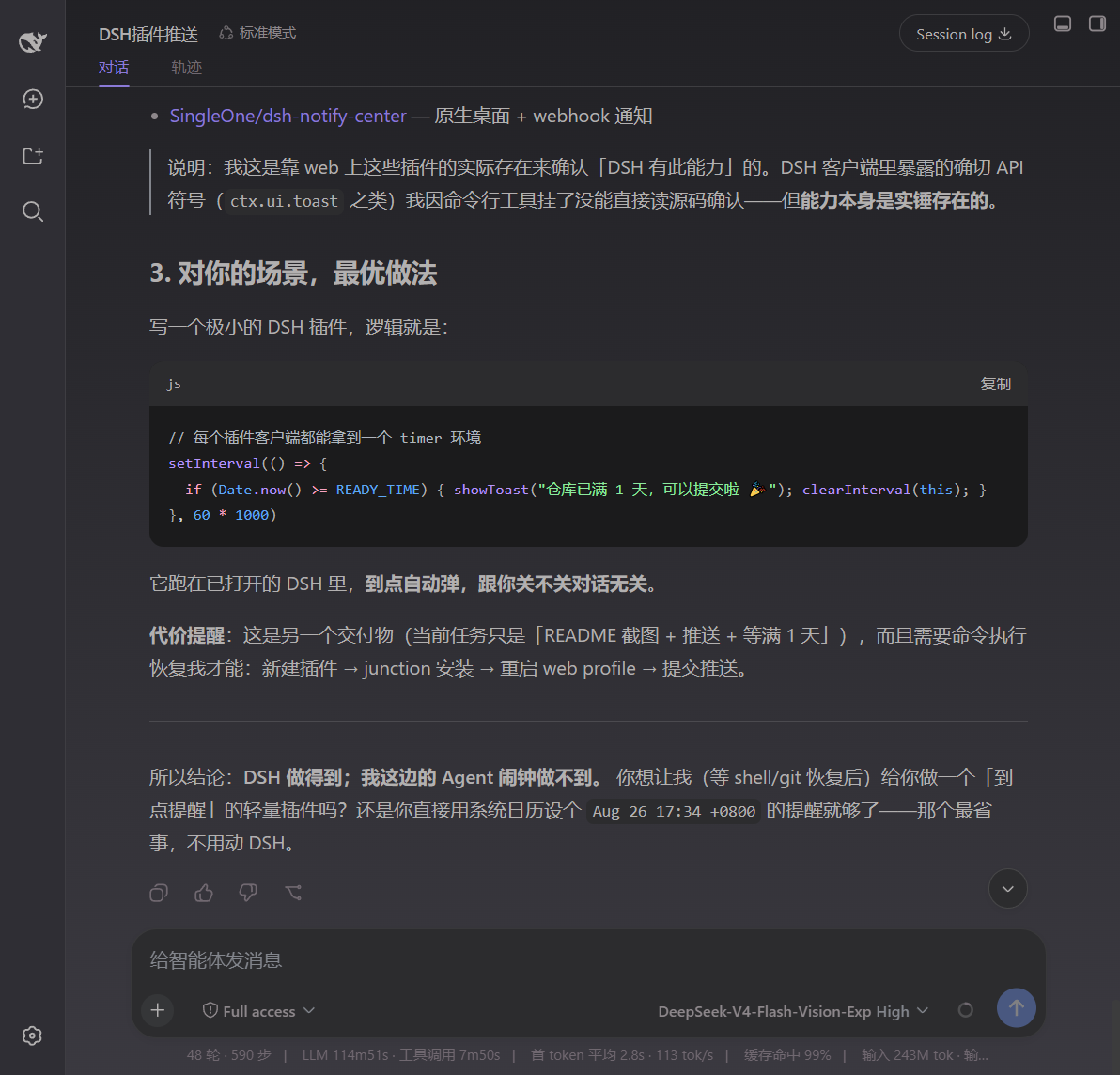 深色 · 主题效果 |
|---|---|---|
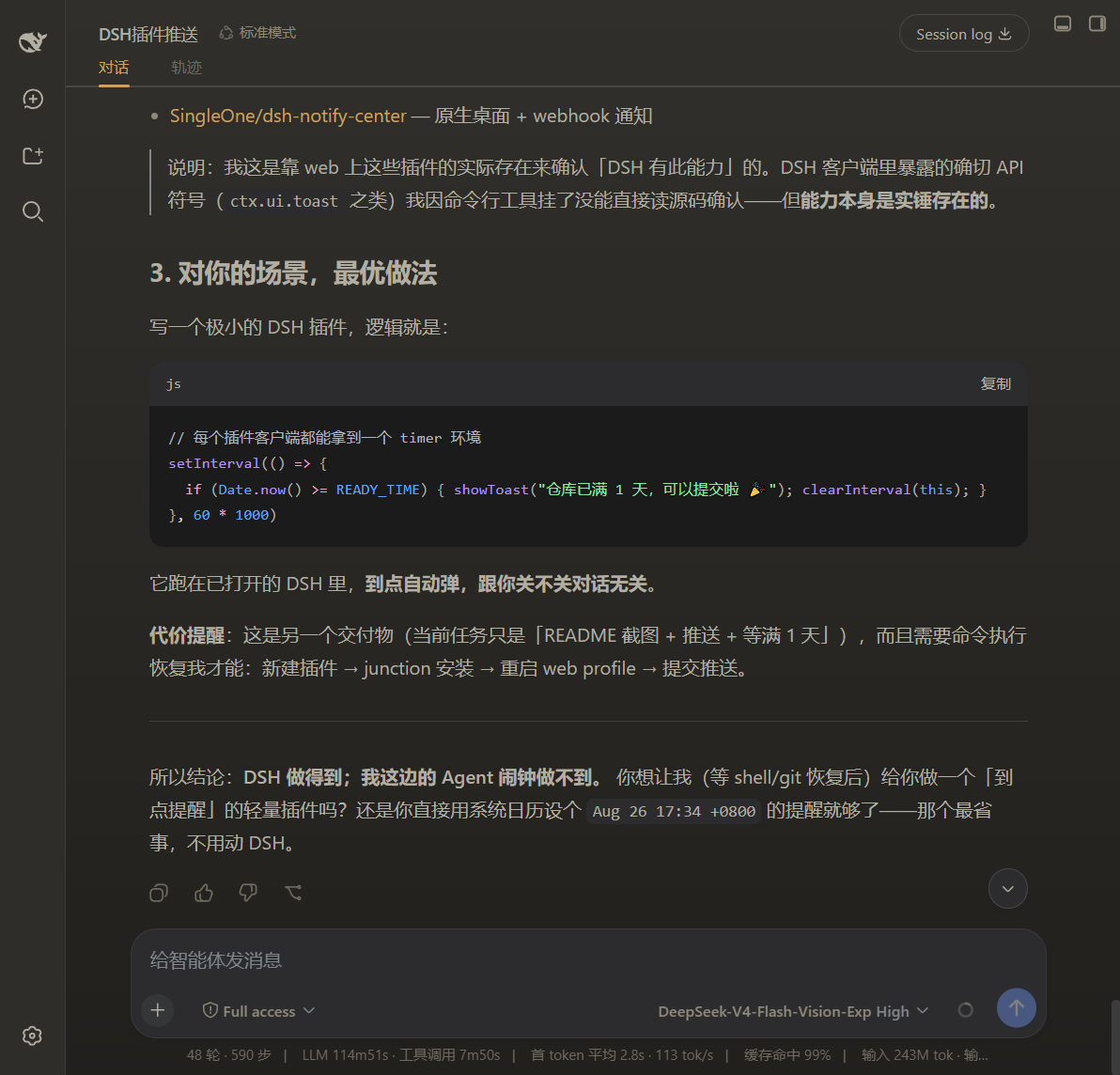 深色 · 主题效果 |
 浅色 · 主题效果 |
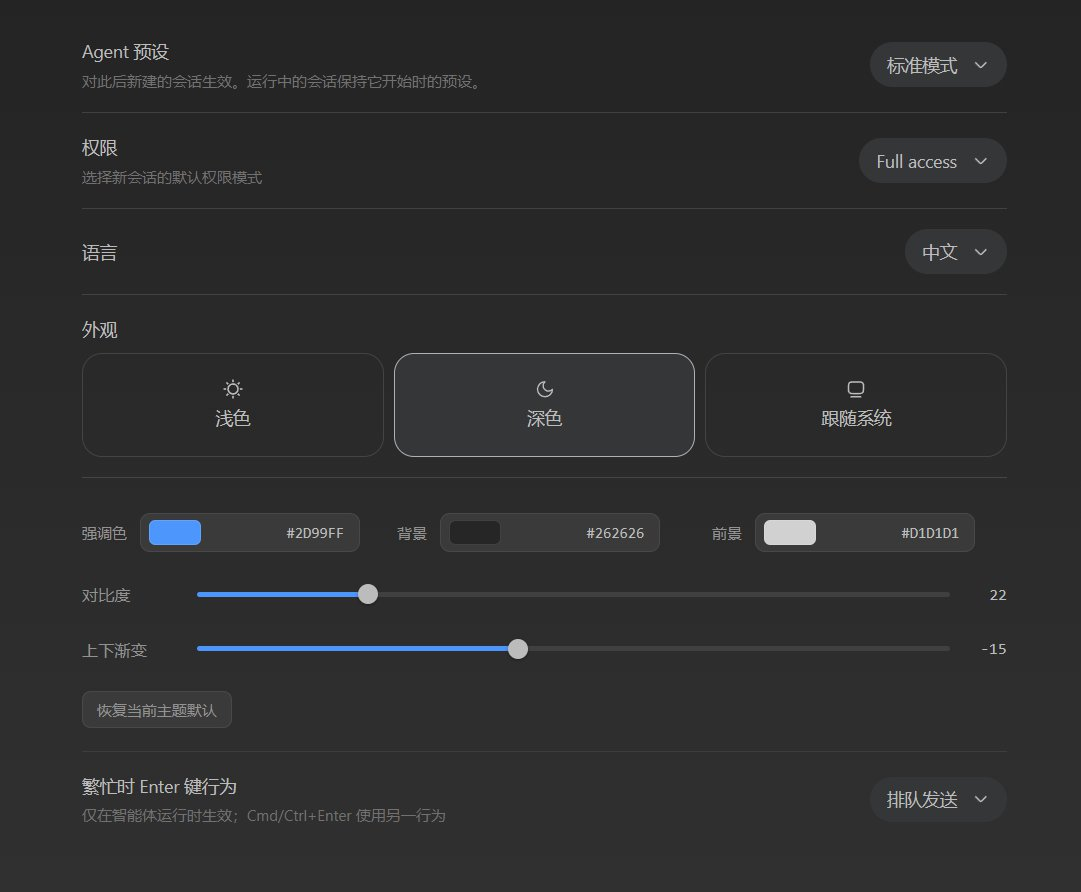 主题调节面板 |
功能
- 挂在「通用设置 → 外观」正下方,调整 强调色 / 背景 / 前景 / 对比度 / 渐变度。
- 复用「外观」的 浅色 / 深色 / 跟随系统 切换,针对当前激活主题调整。
- 浅色、深色两套配色分别保存;对比度按当前主题微调前景文字的清晰度。
- 改动实时生效(
theme.overrideTokens写入--dsw-alias-*设计变量),可一键恢复当前主题默认。
安装
dsh plugin --profile web add github:shawnlone/dsh-theme-tuner
本仓库按「仓库根即插件包」组织:
package.json声明了dsh.bundle.patch(安装入口)与dsh.client(浏览器端 UI),根目录放置cordis.patch.yml。 新增插件需 重启一次对应的 web profile 才会生效。另提供scripts/install.ps1/scripts/install.sh一键脚本(内含 pnpm 供应链策略无法通过时的本地 junction 安装回退)。
原理
插件通过 theme.overrideTokens 把自定义值写入 DSH 的设计 token:
- 强调色:
--dsw-alias-brand-primary/--dsw-alias-button-primary-fill/--dsw-alias-state-business-primary - 背景:
--dsw-alias-bg-base/--dsw-alias-bg-layer-1/2/3/--dsw-specific-sidebar-fill - 前景:
--dsw-alias-label-primary/secondary/tertiary(由所选前景色 + 对比度自动推导)
设置经 theme-tuner 命名空间持久化;设置行注册到 settings.general.item(order 10.5),排在「外观」(order 10)正下方(DSH 0.1.2-rc.1 起新增的「字号大小」在 order 11、「对话显示」在 order 12,故用 10.5 保持紧贴外观)。
DSH 版本支持
同一份产物同时适配两代设置层:
| DSH | 设置服务 | 持久化结构 |
|---|---|---|
0.2.x |
ctx.configForms.get("theme-tuner") |
导出的 Config(字段标记 .volatile()) |
<= 0.1.x |
ctx.settingsScope.bind({ namespace: "theme-tuner" }) |
settings.register("theme-tuner", schema) |
两种情况下命名空间就是 cordis.patch.yml 里声明的 profile 条目 id theme-tuner,存储结构为 { light: {...}, dark: {...} }。
DSH 0.2.0 起还会在安装时校验插件兼容性:如果某个 bundle 的 @deepseek-ai/dsh* peer 范围不覆盖当前运行时,安装会被直接拒绝(Plugin ... is incompatible with dsh ...)。因此这里的 peer 范围放宽到 >=0.1.1-rc.2 <0.3.0。
升级后如果设置行没出现,先检查 profile 而不是插件:
dsh-theme-tuner必须出现在$DSH_HOME/profiles/web/package.json的dsh.profile.bundles中,并且不能出现在$DSH_HOME/profiles/web/disabled-plugins.json里。scripts/install.ps1/scripts/install.sh会自动补回该 bundle 条目。
目录结构
dsh-theme-tuner/
  package.json          # 双面插件清单:dsh.client + dsh.bundle.patch
  cordis.patch.yml      # bundle 挂载行 (insert);其 id 即设置命名空间
  lib/index.js          # 主机半区:导出 Config schema 并挂接设置层
  lib/client.js         # 浏览器半区:设置行 UI + 实时 token 应用
  scripts/              # install.ps1 / install.sh
  preview.html          # 独立效果演示
  assets/               # 文档 / 插件市场截图