dsh-git
Verified@lengmoxxl/dsh-git · v0.2.1 · MIT · Web UI
A read-only git browser for the DeepSeek Harness Web GUI: a right-sidebar page with the session's working-tree changes and commit history, and the diff a click opens beside them. The host half reads the repository through ctx.fs and ctx.subprocess, so a r
Install
dsh plugin add @lengmoxxl/dsh-git Confirm the layer applied with dsh --profile default --dump-config — see the install guide.
Source
Tags
Creators
Readme
dsh-git
一个 DSH 插件:给右侧栏加一个 Git 页面——左边是工作区改动与最近提交,右边是点开的 diff——只读、带高亮、双栏对齐。列表留在原地,所以两条 diff 可以并排比较。
English | 中文
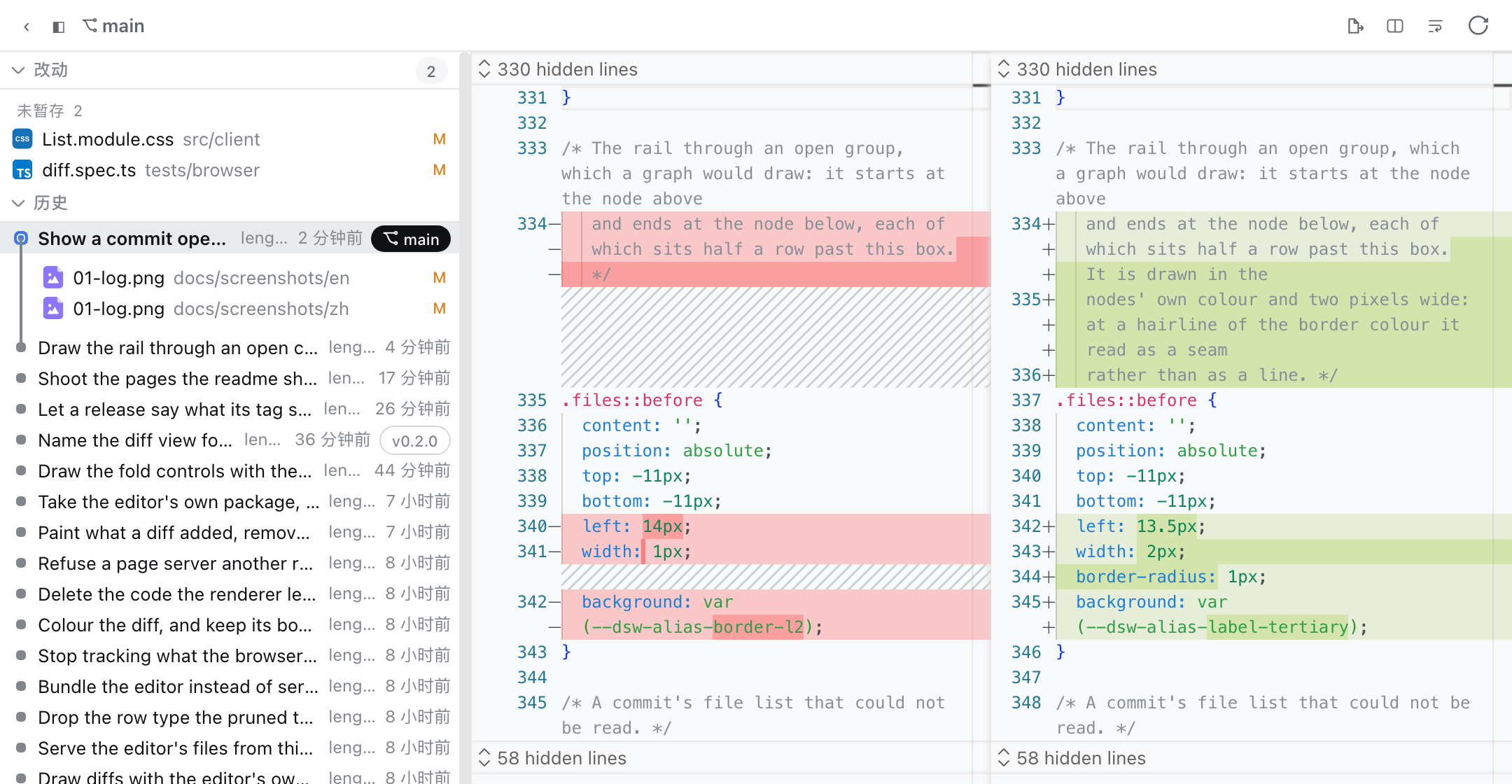
| 双栏 · 折行 | 双栏 · 不折行 | 单栏 |
|---|---|---|
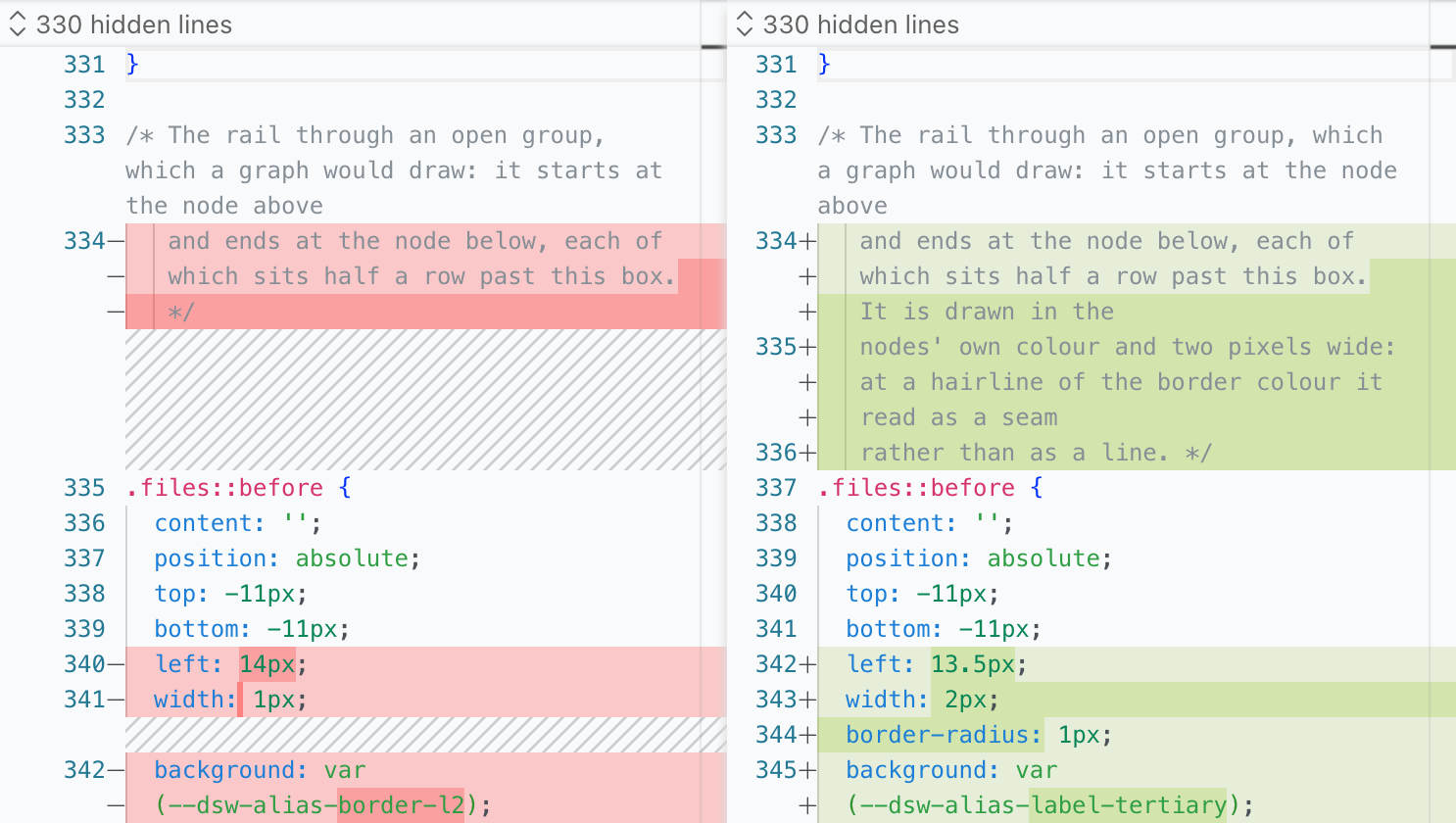 |
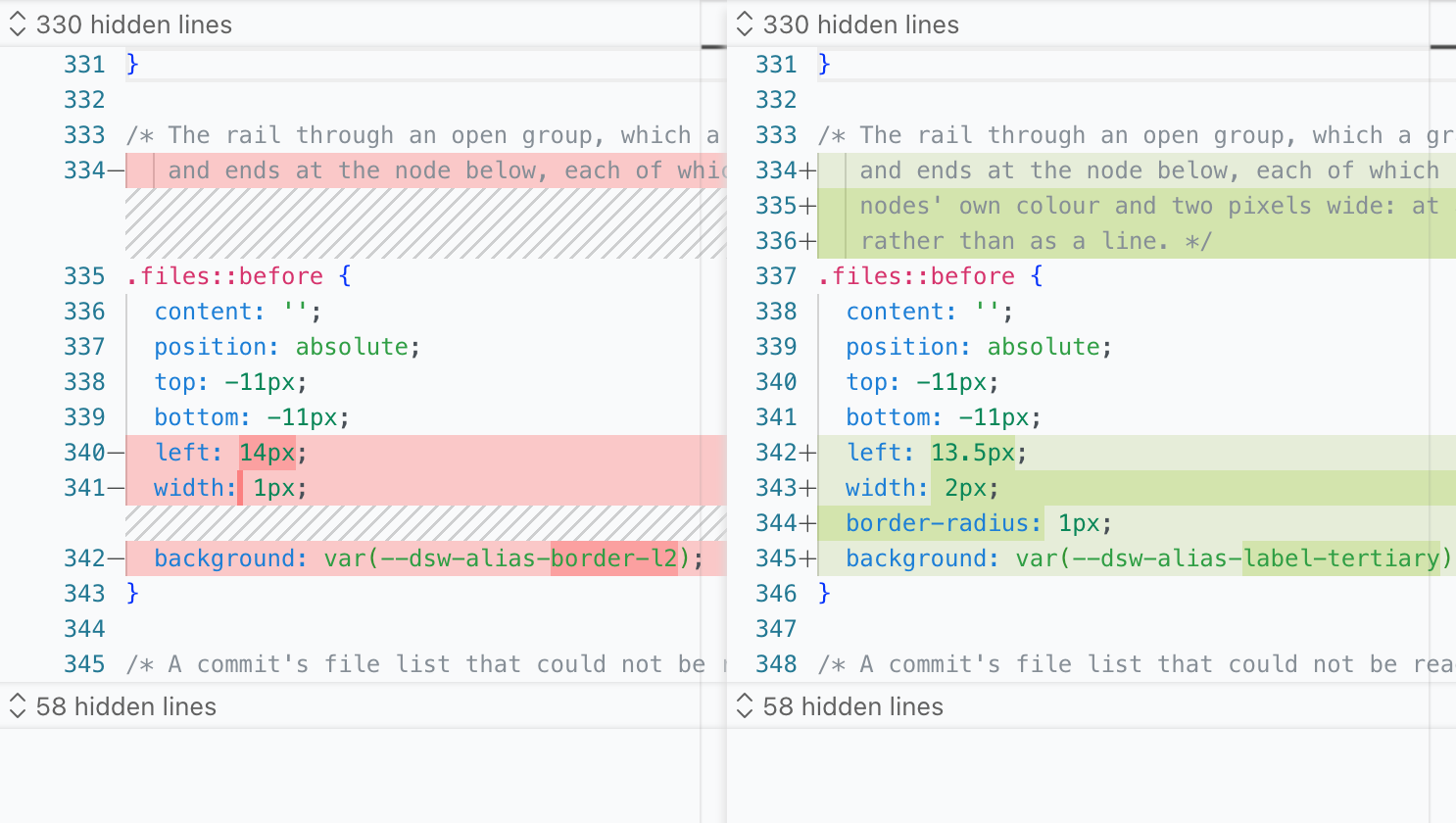 |
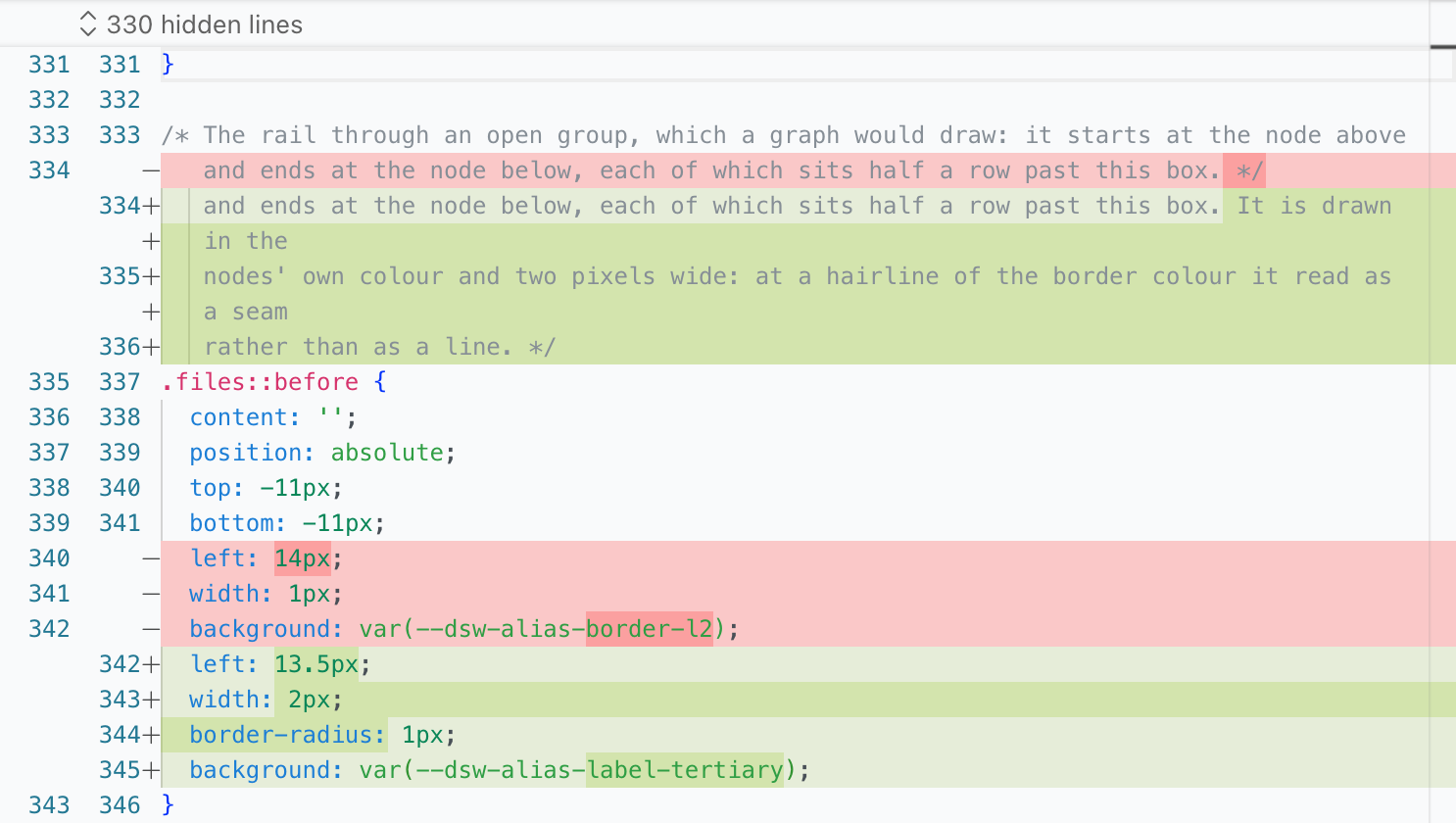 |
安装
需要 Node 22.19+(或 24+)与 DSH CLI。
从 npm 安装:
dsh plugin --profile web add @lengmoxxl/dsh-git
dsh --profile web
或者用最新 GitHub release 里打好的 tarball——安装时不编译,也没有需要 pnpm 放行的构建脚本:
dsh plugin --profile web add https://github.com/lengmoXXL/dsh-git/releases/latest/download/dsh-git.tgz
dsh --profile web
发布
发布是手动的,没有 workflow 代劳。在干净的 main 上:
npm version patch --no-git-tag-version   # 或 minor / major
git commit -am "Cut $(node -p "require('./package.json').version")"
npm run release                          # 类型检查、测试,然后 npm publish
npm run release 会把 @lengmoxxl/dsh-git 发布到公共 npm registry:包的 publishConfig 指明了该 registry,所以默认走镜像的机器也会发到 npm;并且先跑检查,检查不过就不会发布。
然后打 tag,并把 tarball 附到 release 上:
version="$(node -p "require('./package.json').version")"
git tag -a "v${version}" -m "<发布说明>"
git push --follow-tags
npm pack
cp "lengmoxxl-dsh-git-${version}.tgz" dsh-git.tgz
gh release create "v${version}" "lengmoxxl-dsh-git-${version}.tgz" dsh-git.tgz \
  --title "<标题>" --notes "<发布说明>"
dsh-git.tgz 就是上面 tarball 安装用的固定地址。
License
MIT