dsh-ui-spec
已验证dsh-ui-spec · v0.1.1 · MIT
DeepSeek Harness plugin that turns UI screenshots into implementation-grade web specs using OCR, deterministic geometry, scene graphs, assets, and render comparison.
安装
dsh plugin add dsh-ui-spec 用 dsh --profile default --dump-config 确认 layer 已生效 —— 参见安装指南。
源码
标签
作者
说明文档
dsh-ui-spec
English | 简体中文



将 UI 截图解析为面向实现的结构化规范,帮助纯文本 DeepSeek 模型还原自适应 Web 界面。插件使用 Windows 原生 OCR 辅助识别,并提供布局、视觉细节、交互和浏览器验证约束。
效果展示
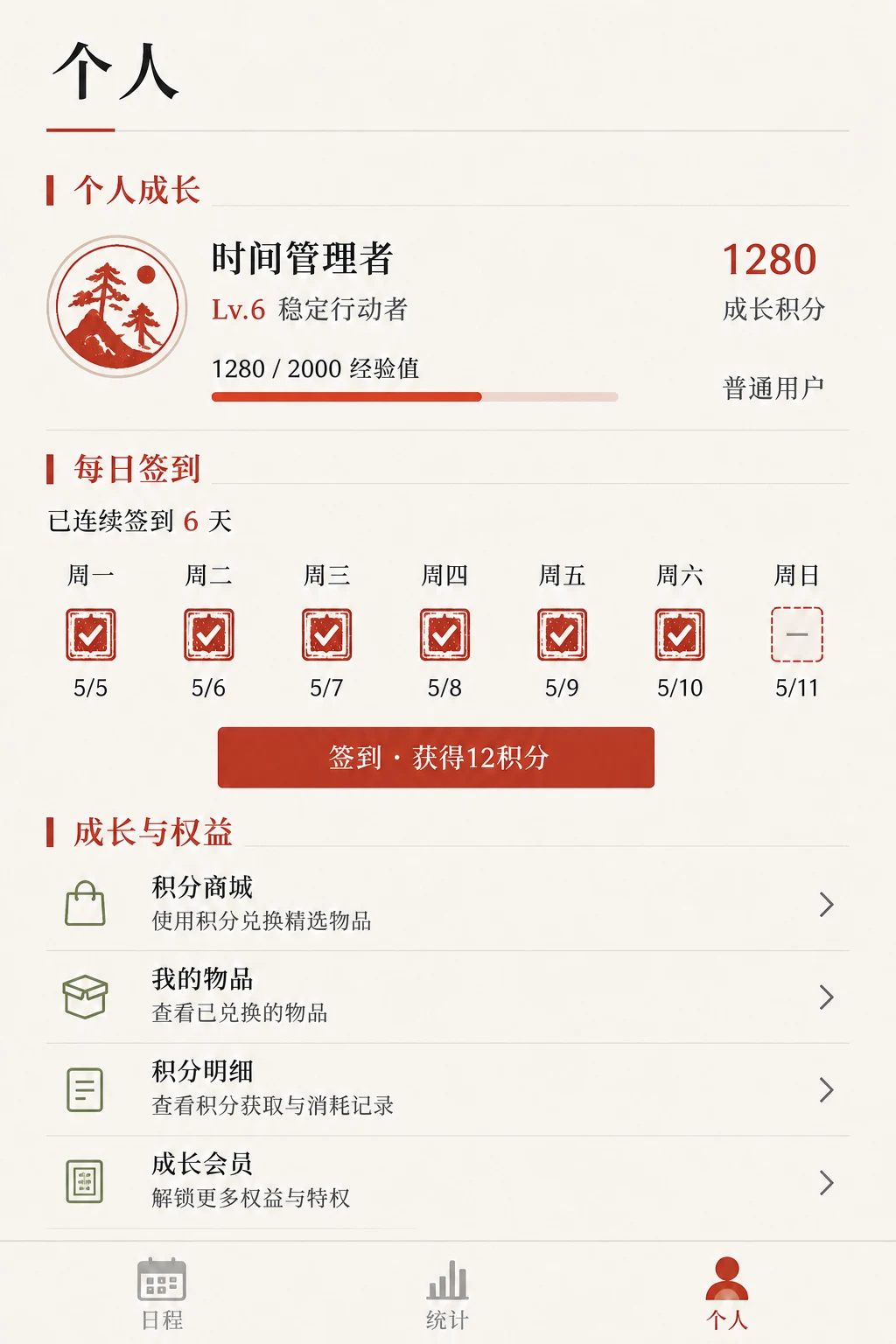
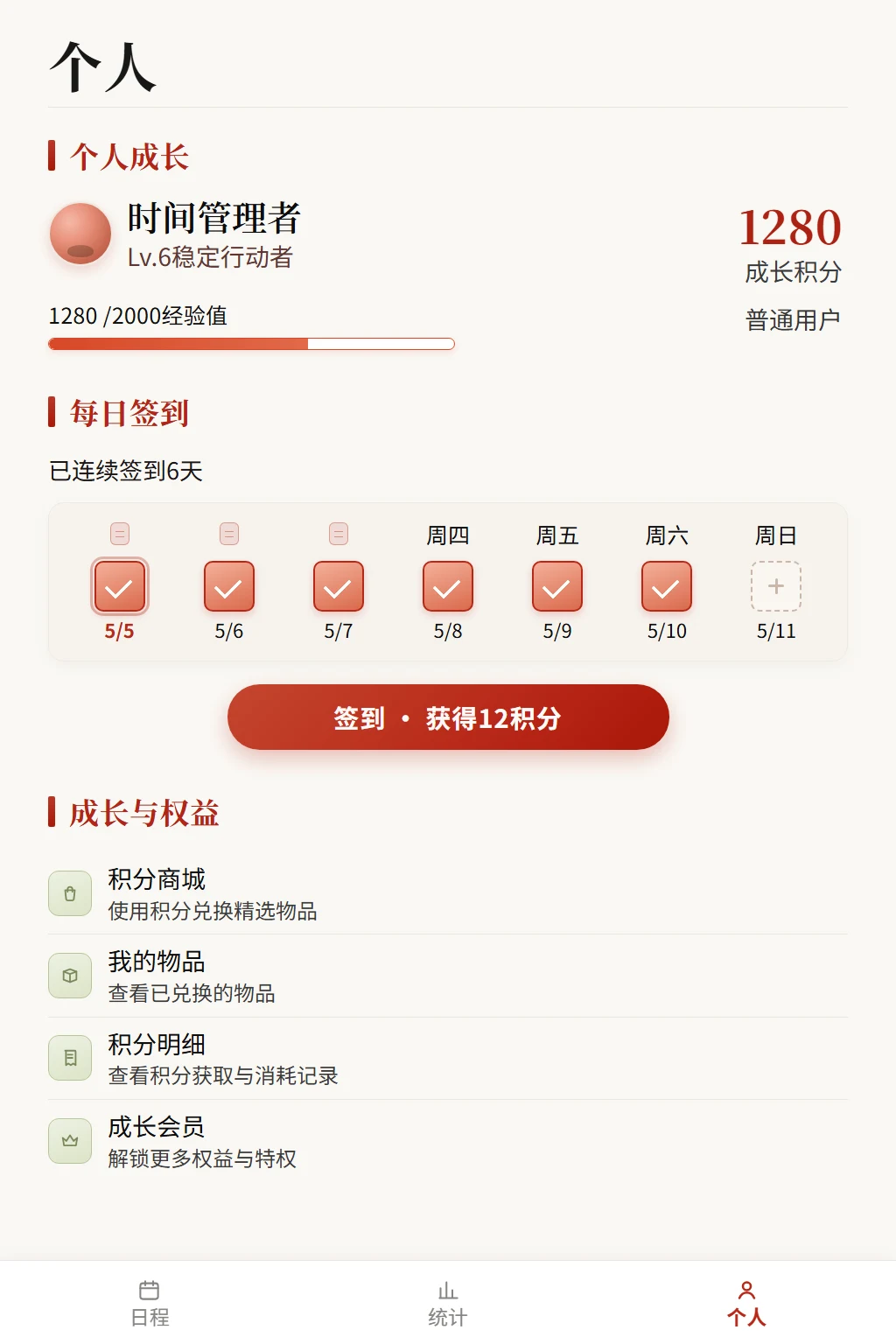
以下结果来自 Desktop/8 测试。右侧页面由模型根据插件输出自主实现。
| 原始参考图 | DeepSeek 实现效果 |
|---|---|
 |
 |
安装
从 npm 安装:
dsh plugin --profile web add dsh-ui-spec
安装 GitHub 当前版本时,pnpm 11 需要允许源码包执行构建脚本。在 DSH profile 的 pnpm-workspace.yaml 中加入:
allowBuilds:
  "dsh-ui-spec@git+https://github.com/yumimanji/dsh-ui-spec.git": true
然后安装:
dsh plugin --profile web add github:yumimanji/dsh-ui-spec
如果当前 DSH profile 无法配置 allowBuilds,请使用 npm 版本。
使用
在 DSH 中直接告诉模型:
使用 ui-spec 对当前目录下的两张图片进行分析并模拟实现,页面需要自适应屏幕。完成实现后使用 manage_ui_browser 验证页面,并只关闭该工具启动的浏览器会话。
也可以指定单张图片:
使用 ui-spec 分析 C:\path\to\reference.png,并实现对应的自适应 Web UI。
安装问题
如果出现 ERR_PNPM_UNEXPECTED_STORE,说明 DSH profile 现有的 node_modules 与当前 pnpm store 不一致。重建该 profile 的依赖后,再重新安装插件:
cd $env:USERPROFILE\.dsh\profiles\web
Rename-Item node_modules node_modules.store-mismatch-backup
pnpm install
dsh plugin --profile web add dsh-ui-spec
确认 DSH 正常启动后再删除备份目录。