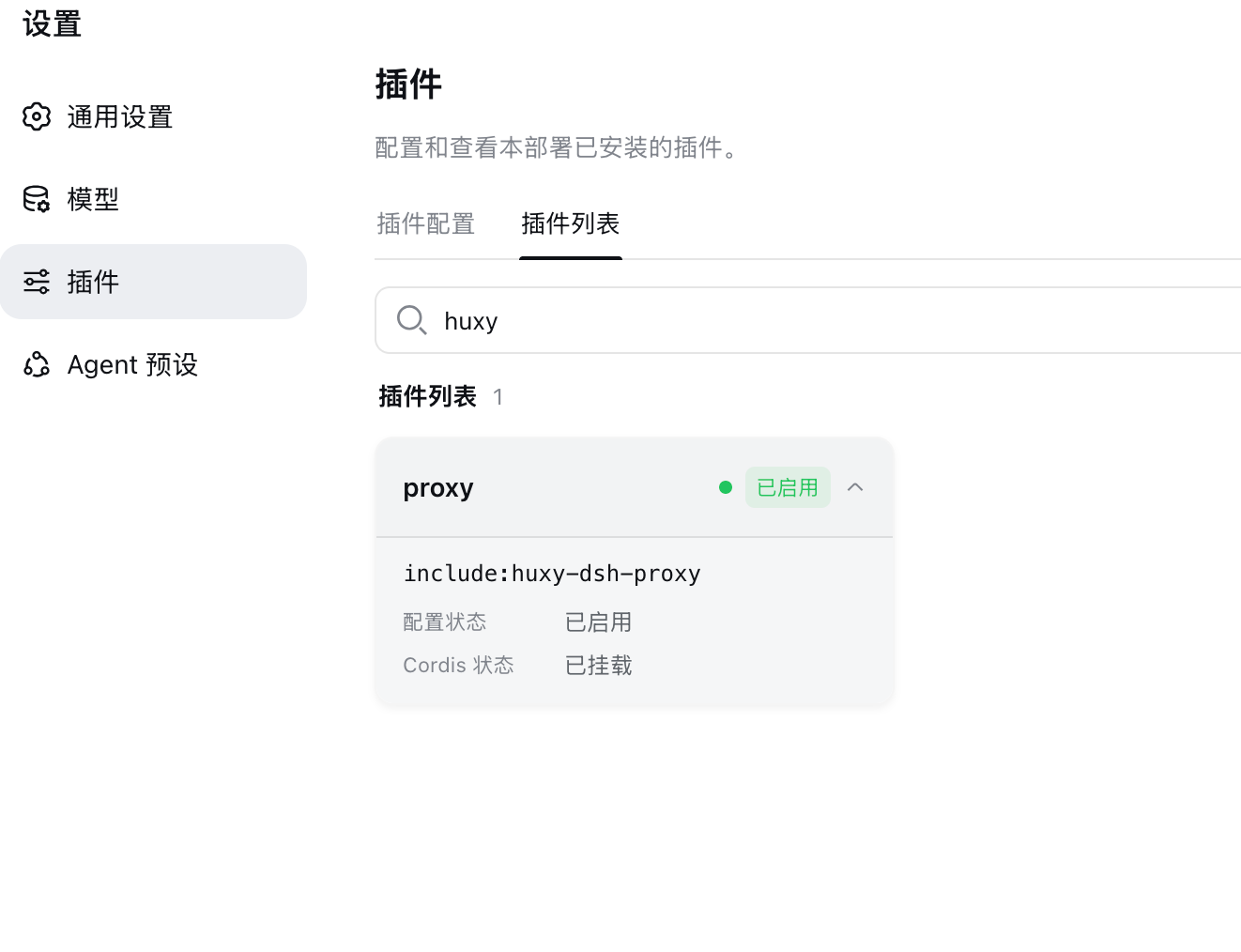
dsh-proxy
Đã xác minh@huxy/dsh-proxy · v0.1.3 · MIT
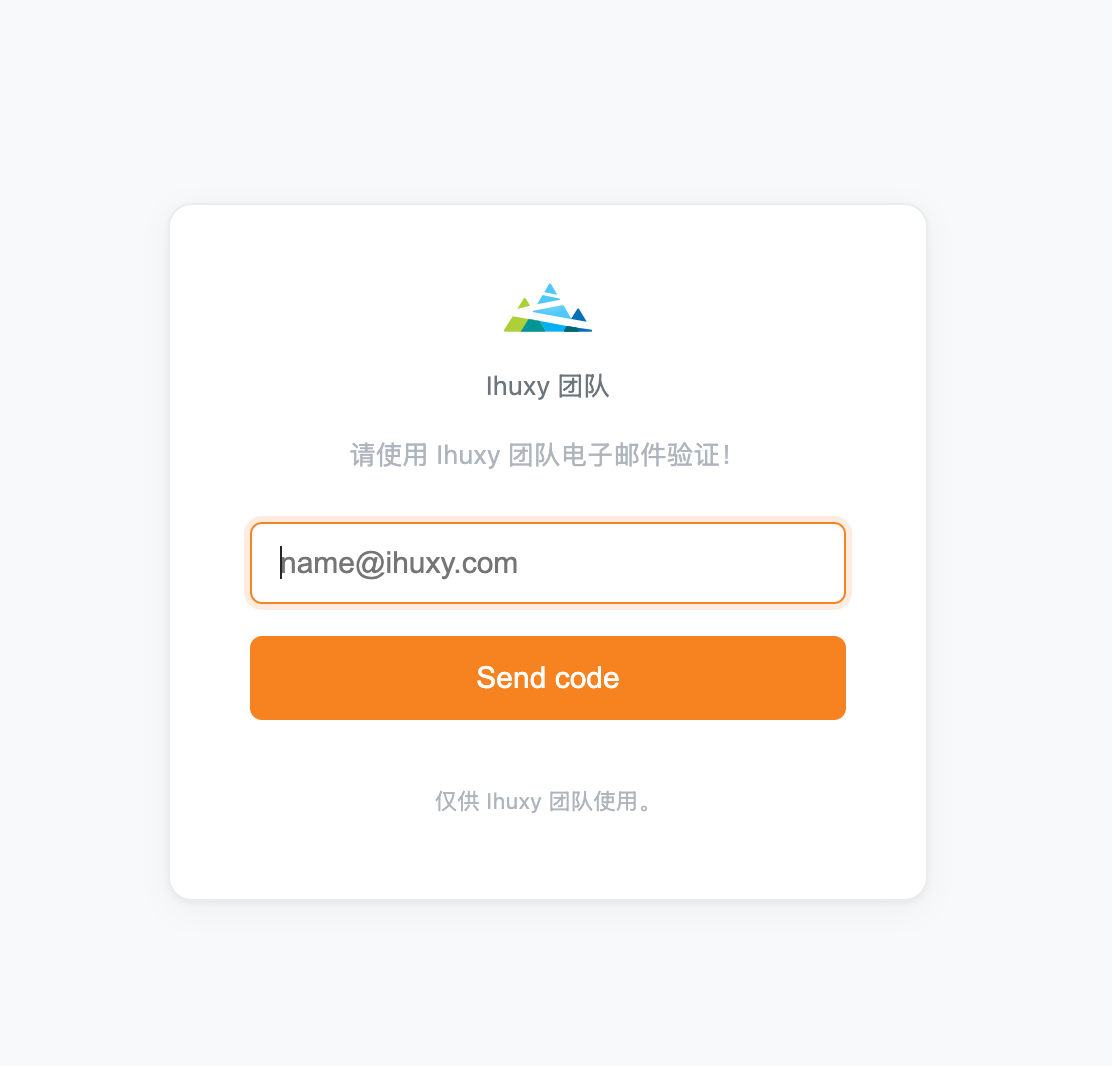
提供代理服务供局域网或 Cloudflared Tunnel、Tailscale 等访问,添加邮箱发验证码鉴权,保障外网安全性。适用于内部系统、管理后台或团队协作场景的轻量级身份验证。
Cài đặt
dsh plugin add @huxy/dsh-proxy Xác nhận layer đã áp bằng dsh --profile default --dump-config — xem hướng dẫn cài plugin.
Mã nguồn
Thẻ
Readme
@huxy/dsh-proxy
- 局域网浏览器
HTTP暴露crypto.randomUUID。 - 基于 huxy-node-server 代理服务的
dsh插件。提供代理服务供局域网或Cloudflared Tunnel、Tailscale等访问,添加邮箱发验证码鉴权 huxy-node-server/codeAuth ,保障外网安全性。适用于内部系统、管理后台或团队协作场景的轻量级身份验证。
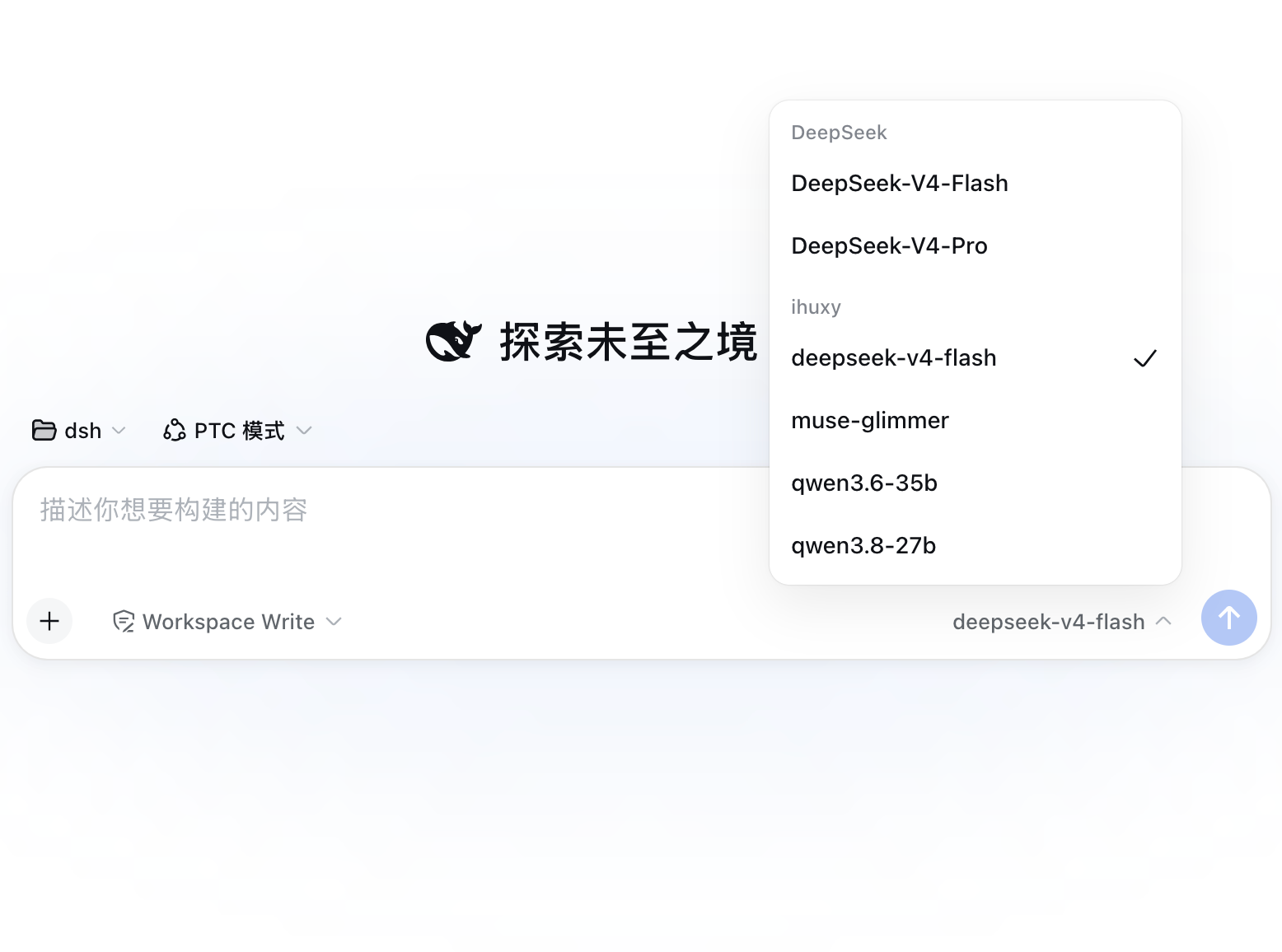
实现
export function apply(ctx, {port, authHosts, authConfig} = {}) {
  ctx.effect(async () => {
    const {httpServer} = await startServer({
      port,
      proxys: [{
        target: 'http://localhost:3080',
      }],
      logger: console,
      serverLogger: (_, logger) => logger.info(`代理服务运行在 ${_.port} 端口`),
    }, null, (_, app) => {
      app.use((req, res, next) => {
        if (authHosts && !authHosts.includes(req.hostname)) {
          req.trustedAuthHost = true;
        }
        next();
      });
      codeAuth(authConfig, app);
    });

    return () => {
      httpServer.close();
      console.log('[huxy-dsh-proxy] 代理已关闭');
    };
  });
};
安装
dsh plugin --profile web add @huxy/dsh-proxy

dsh plugin --profile web add github:ahyiru/dsh-proxy
源码安装
pnpm dsh plugin --profile web add @huxy/dsh-proxy

pnpm dsh plugin --profile web add github:ahyiru/dsh-proxy
卸载
dsh plugin --profile web remove @huxy/dsh-proxy
配置
编辑 ~/.dsh/profiles/web/cordis.patch.yml
- id: huxy-dsh-proxy
  name: '@huxy/dsh-proxy'
  config:
    port: 8030
    authHosts:
      - 'prod.host.com'
      - '192.168.0.111'
    authConfig:
      session:
        secret: 'your-secret'
        maxAge: 30
      code:
        ttl: 300000
        len: 6
        maxAttempts: 5
      mail:
        host: 'smtp.gmail.com'
        port: 465
        secure: true
        auth:
          type: 'OAuth2'
          user: '[email protected]'
          clientId: 'xxx'
          clientSecret: 'xxx'
          refreshToken: 'xxx'
        from: 'XX <[email protected]>'
        subject: 'XX 访问验证码'
      allowedEmails:
        - '[email protected]'
        - '[email protected]'
      page:
        title: 'XX 团队'
        tips: '请使用 XX 团队电子邮件验证!'
        footer: '仅供 XX 团队使用。'
- port: 代理端口
- authHosts: 需要开启鉴权的站点,默认所有站点都开启鉴权
- authConfig: 鉴权页面详细配置
详细配置可参见: